

Choosing a POS terminal is one of the key decisions for your store. Before you sign the contract, learn the 10 questions you need to ask the supplier. Our step-by-step guide will help you avoid costly mistakes and choose a system that will genuinely support the growth of your business in the UK.

Making the decision to implement or change a point of sale (POS) system is one of the most important moments in the life of your store. This tool can become the command center of your business, automating tasks and providing key data, or a source of daily frustration and hidden costs. Let’s go through 10 key questions you need to ask to choose a solution tailored to a Polish store in the UK.
Approach this process methodically, as you would when executing a business plan. The list below is your guide to help evaluate each offer not only in terms of price but, more importantly, the value it will bring to your business.
The initial price is just the tip of the iceberg. Vendors often lure with low equipment costs, but the real costs lie elsewhere. To get the full picture, i.e., the Total Cost of Ownership, ask about four components: the cost of equipment (terminal, scanner, printer, cash drawer), monthly software subscription fees, credit card processing fees (transaction commissions), and technical support and maintenance costs after the warranty period. Only the sum of these components will give you a realistic picture of the investment over 2-3 years. Don’t compare offers based solely on the terminal price – compare TCO.
This is an absolutely critical point for a grocery store. Your POS system must communicate flawlessly with key peripheral devices. Ensure that the offered software is fully compatible with the weighing scales (e.g., Mettler Toledo, Dibal) you use or plan to use. Ask about integration with both fixed and handheld scanners, receipt printers, and cash drawers. A lack of smooth integration means manual entry of weights, mistakes, and annoyingly long queues. A store owner in Manchester reduced the average customer service time at the checkout by almost 30% during peak hours after implementing a system integrated with scales.
A good POS system is your automatic inventory manager. The sale of each product should be immediately recorded in the system, updating stock levels in real-time. Check if the software offers features like low stock alerts, automatic generation of order proposals to suppliers, and the ability to easily enter deliveries (goods receipt). With precise inventory management, you will avoid both stockouts on shelves (lost sales) and excess stock that ties up cash and generates losses. This is the foundation for cost control and maximizing margin.
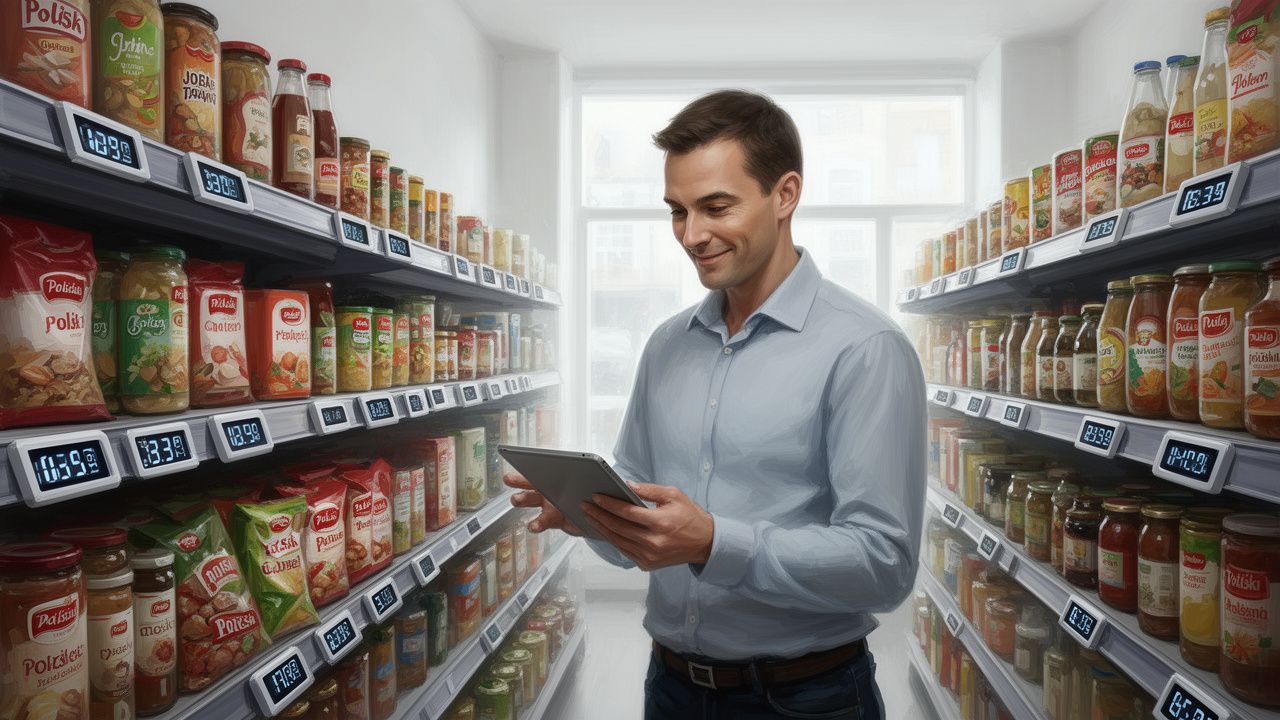
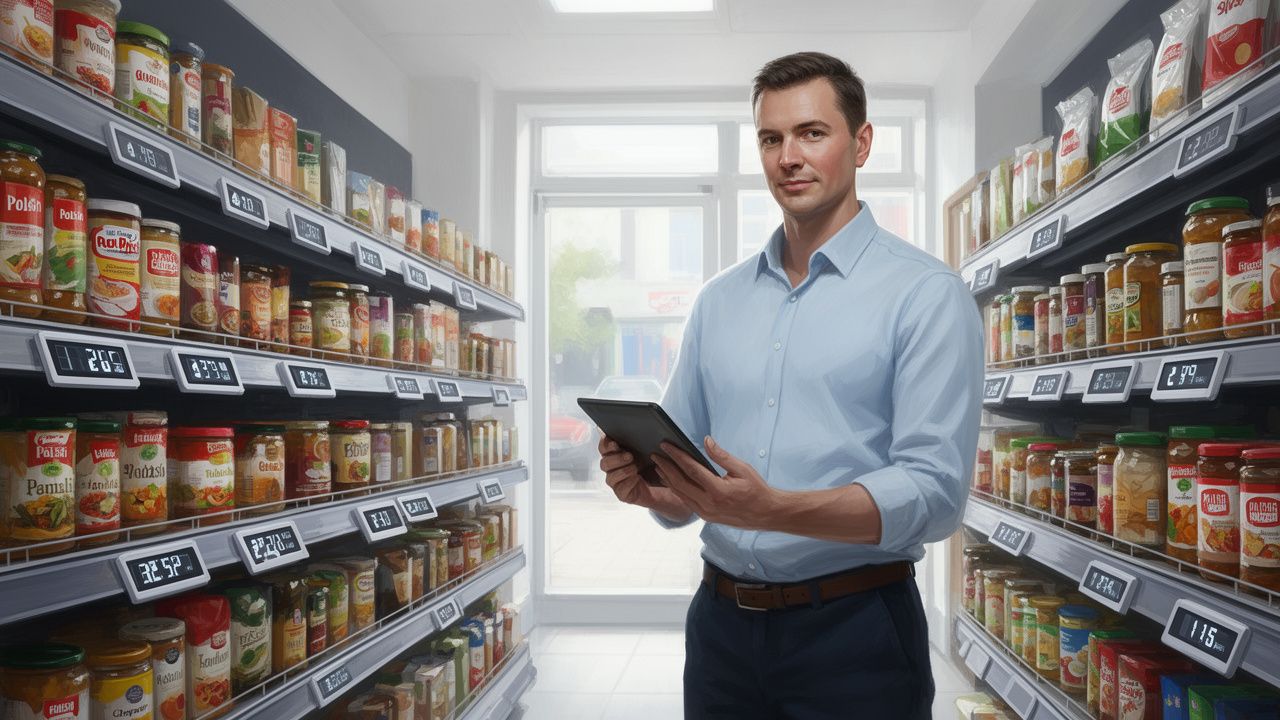
Think ahead. Manually changing hundreds of paper price tags is a waste of time and a risk of errors. Electronic shelf labels (ESL) are a technology that is becoming standard in modern retail. Ask if the POS system is ready for integration with ESL. The ability to change prices remotely and centrally on all labels at once (e.g., for promotional periods) is a huge labor saving, eliminates errors at checkout, and creates a professional image for the store. Even if you don’t plan to implement ESL today, choosing a system ready for this technology secures your investment for the future.
The devil is in the details. Find out exactly how the installation process works. Will the vendor assist in importing your product database from the old system or from an Excel file? Who will conduct training for you and your employees, and to what extent? A good company will not leave you alone with new equipment. The process should include configuration, data migration, practical training for staff on operating the cash register, and training for the manager on back-office operations (reports, inventory management). Ask how long the entire process typically takes from signing the contract to full store operation on the new system.
Your store operates on weekends and evenings – a POS system failure on Saturday morning is a disaster. Before signing a contract, carefully check the terms of technical support (Service Level Agreement – SLA). What hours is support available? What is the guaranteed response time for inquiries? Does support include remote and phone assistance, and in case of a serious failure – a technician’s on-site visit? What about a replacement device? Choose vendors that guarantee support 7 days a week and understand the specifics of retail trade.
The POS system is a goldmine of knowledge about your business. You just need the tools to extract that knowledge. Sales reports (daily, weekly, monthly) are standard, but that’s not enough. Check if the system allows you to analyze sales by product categories, hours, days of the week, or specific employees. Look for reports on the fastest and slowest moving products, margin analysis, or basket value. A store owner in Luton, by regularly analyzing POS reports, identified non-moving products worth £800 and after selling them, reduced losses from expirations by nearly £200 weekly.
Processing card payments is an integral part of the POS system. You have two main options: an integrated payment terminal from the POS system provider or a separate terminal from another operator. Integration is more convenient – the amount to be paid is automatically sent from the cash register to the terminal, eliminating cashier mistakes. However, compare the fees (the so-called MDR – Merchant Discount Rate). Sometimes the integrated offer may have a higher fee than one you can negotiate directly with a payment processing agent. Calculate which option will be more beneficial for you over the year.
Your business will grow. Will the POS system you choose today be able to grow with you? Ask about the ability to manage multiple locations from one central panel if you’re thinking of opening a second store. Check if there is an option to integrate with an online store (e-commerce), which will allow you to sell products online and manage inventory in one place. Investing in a scalable cloud-based platform provides peace of mind and ensures that technology won’t become a barrier to your business’s growth.
Always read the contract carefully before signing. Pay special attention to its duration (the so-called lock-in period). Avoid contracts lasting 36 or 48 months that tie you permanently to one provider, even if they stop meeting your expectations. Check the conditions for early termination of the contract and any penalties. Ensure that the contract stipulates that sales and product data are your property and that if you discontinue services, you will be able to export them without any issues. Transparent terms are the foundation of a partnership.
Choosing the right POS system is a marathon, not a sprint. To make the best decision for your store, remember a few rules:
A thoughtful choice of cash register system is not just an investment in technology, but above all in your peace of mind and time. A well-chosen POS will automate many processes, give you full control over your business even when you’re not in the store, and provide data that will help you earn more. Take time to analyze offers now to gain an advantage for years to come.