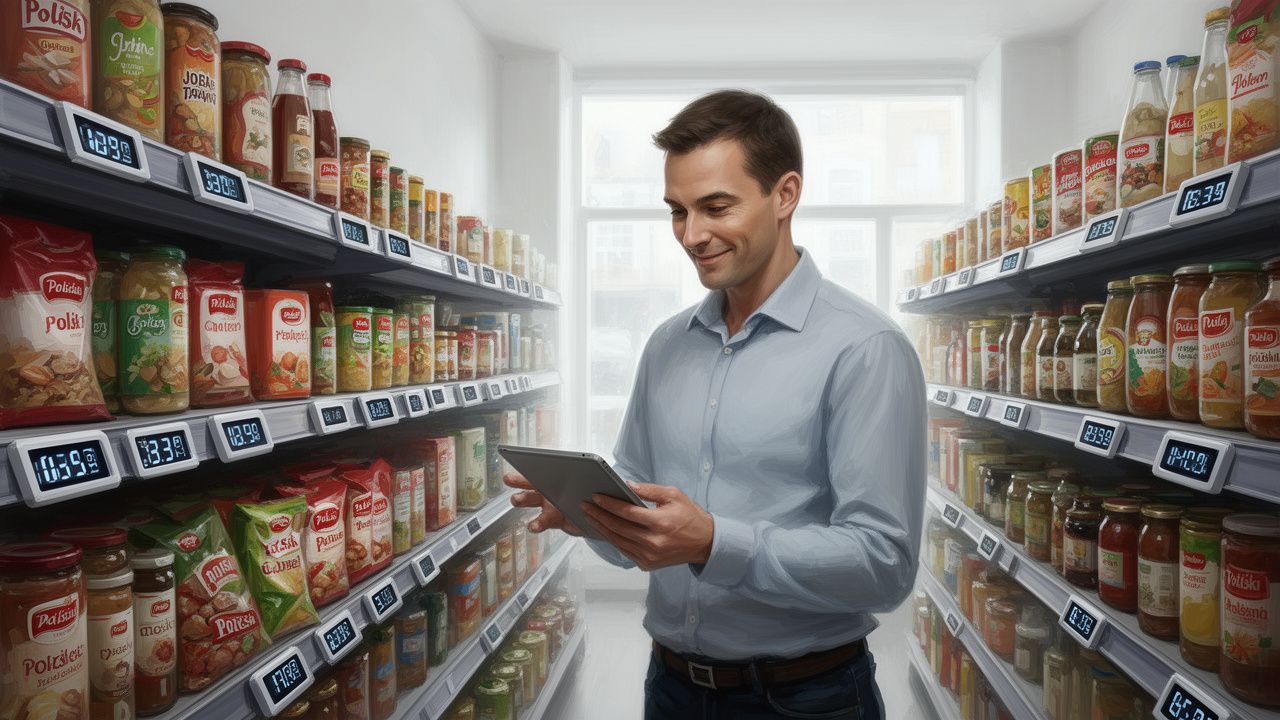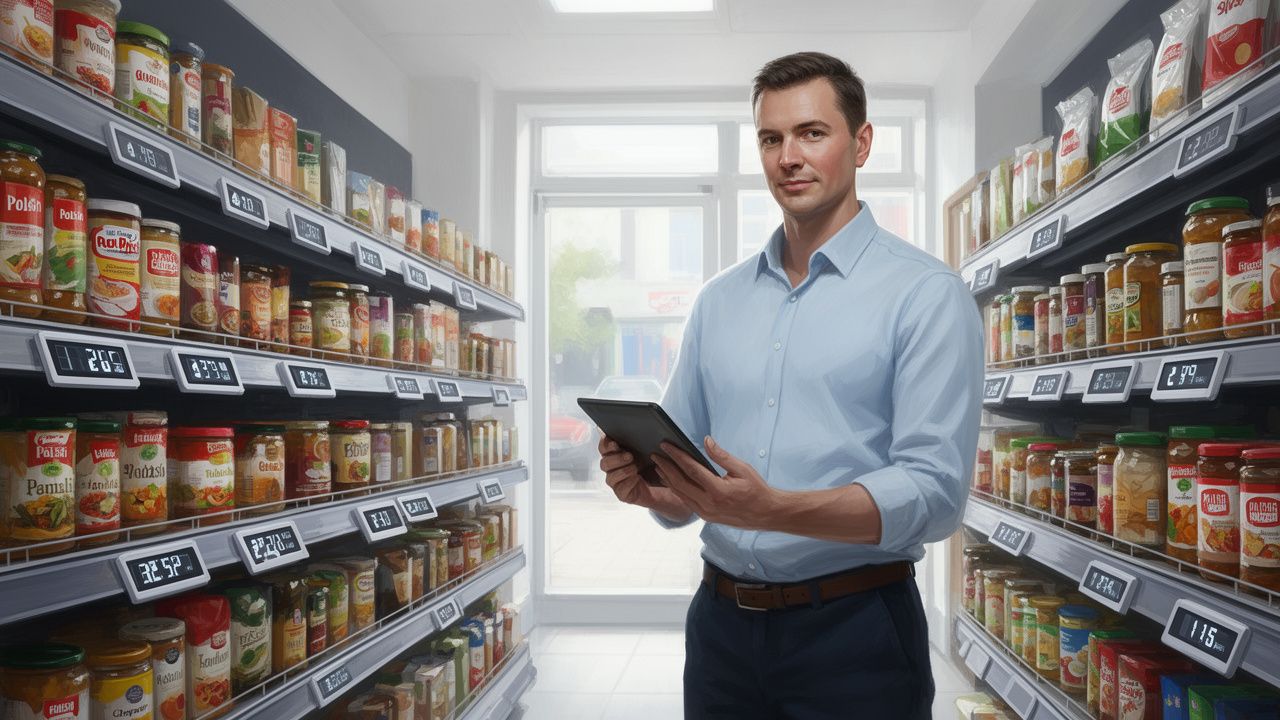


Do you feel that your POS system is just a modern cash register, and the piles of reports overwhelm rather than help? Discover the story of a store owner who turned chaos in data into the key to regaining control, savings, and – most importantly – free time for themselves and their family. Find out how simple sales reports can revolutionize your workday.

I remember those evenings perfectly. The store was closed, dusk was falling over Manchester, and I was sitting surrounded by invoices and notes. I was trying to guess what to order more of and what was gathering dust on the shelves. My modern POS system? It mainly served to ring up goods and print receipts. I felt like I had a powerful tool that I didn’t know how to use, as if I had been given the keys to a sports car but was only driving it in first gear. Every day was reactive, relying on “putting out fires” – whether it was running out of popular mayonnaise on Saturday morning or urgently needing to organize a promotion for products nearing expiration that I had almost forgotten existed. Everything suffered: the store’s finances, my nerves, and, worst of all, the time I should have been spending with my family.
The change didn’t come suddenly. It was a process that began out of frustration. One evening, instead of flipping through the same order notebook for the hundredth time, I decided to spend an hour exploring the “Reports” tab on my POS system. At first, the number of graphs and tables was overwhelming. Sales by category, product margin, hourly traffic – I felt lost. So, I decided to apply the method of small steps. I ignored everything else and focused on one seemingly simplest report: “Best Selling Products” from the last month.
That was my “eureka” moment. The top product was not what I had expected at all. I saw in black and white what customers were most eager to put in their carts. But the real discovery awaited at the bottom of the list – in the report “Worst Selling Products.” I saw several expensive, imported items that I had ordered on a whim. They had been sitting on the shelf for weeks, freezing cash and taking up valuable space.
The action was immediate. I moved the products from the top of the bestseller report to eye level, right by the entrance. I made sure their stock was always at an optimal level. And those “non-movers” from the bottom of the list? I organized a quick sale with a small discount. Within a week, I recovered nearly £800 of frozen cash and freed up an entire shelf for goods that actually rotate. This was the first tangible benefit coming not from intuition but from hard data. I felt like I was regaining control.
This small win motivated me to continue learning. Gradually, report by report, I began to understand the rhythm of my business. What once was chaos of numbers became a clear map guiding me through daily decisions. The change in work style was fundamental and touched every aspect of running the store.
My morning routine looks completely different now. Instead of rushing around the store checking what’s missing, I start my day with coffee, analyzing the dashboard in my POS system. It only takes fifteen minutes to see the key indicators: yesterday’s revenue, best-selling products, low stock alerts, and a comparison of sales to the same day last week. Based on this, I create a list of orders, plan promotions, and delegate tasks to employees. I start the day proactively, with a ready plan, rather than reactively, putting out fires that I unknowingly started weeks ago.
The biggest change I felt in my personal life. Since orders are now based on sales data and forecasts, the process is much faster and more precise. I no longer have to spend evenings painstakingly counting goods and reviewing invoices. The system itself suggests what and in what quantity to order based on historical sales and the minimum stock levels I set. This allows me to leave the store at a normal time. I can pick up my kids from school, have lunch together, and not obsessively think about whether I ordered enough milk for the weekend. I have regained something priceless – time.
Sales reports have also revolutionized how I manage my staff. By analyzing hourly sales reports, I discovered that my intuitive belief about peak traffic was wrong. The sales peak during the week was not at 5 PM, as I thought, but between 3:30 and 4:30 PM, when parents were picking up their kids from school. Meanwhile, on Saturdays, the highest traffic was early in the morning. I adjusted work schedules to real needs, ensuring adequate staffing during peak hours and reducing costs during slower periods. A friend who owns a store in Leeds, after a similar analysis, reduced staff costs by 7% while also improving customer satisfaction, as there were no longer queues during key moments.
You don’t have to become a data analyst overnight. Just start regularly using three basic reports that nearly every modern POS system offers. They will give you 80% of the knowledge needed to make better decisions.
This is absolutely fundamental. This report shows which products generate the most revenue (bestsellers) and which are sitting on the shelves, blocking cash and space (dead stock). Regular analysis (e.g., once a week) allows you to dynamically manage your assortment: promote leaders, negotiate better purchasing terms, and make quick decisions about clearance or removal of goods that are not selling. This is the simplest way to optimize working capital.
High revenue is not everything. Profit is key. The product margin report will show you which items, in addition to being popular, bring the highest profit. Sometimes it turns out that an absolute sales hit has such a low margin that it barely breaks even. Conversely, a less flashy product may be a real goldmine. With this knowledge, you can consciously shape your pricing policy, create profitable promotional bundles (e.g., a high-margin product packaged with a low-margin bestseller), and focus marketing efforts where they will yield the greatest return.
As I mentioned, this report has a direct impact on operating costs and customer satisfaction. It clearly shows when your store is bustling and when it slows down. Use this data to create flexible work schedules. It’s also a valuable tip for when to plan deliveries or cleaning tasks to avoid disrupting service during peak traffic hours. A simple schedule optimization based on this one report can save you hundreds of pounds a month.
Don’t put it off any longer. Take 30 minutes today to log into your POS system and look at last week’s sales report. Treat it not as another obligation, but as the beginning of a fascinating journey into your business. The first step to regaining full control, savings, and valuable time is at your fingertips – on your own screen.