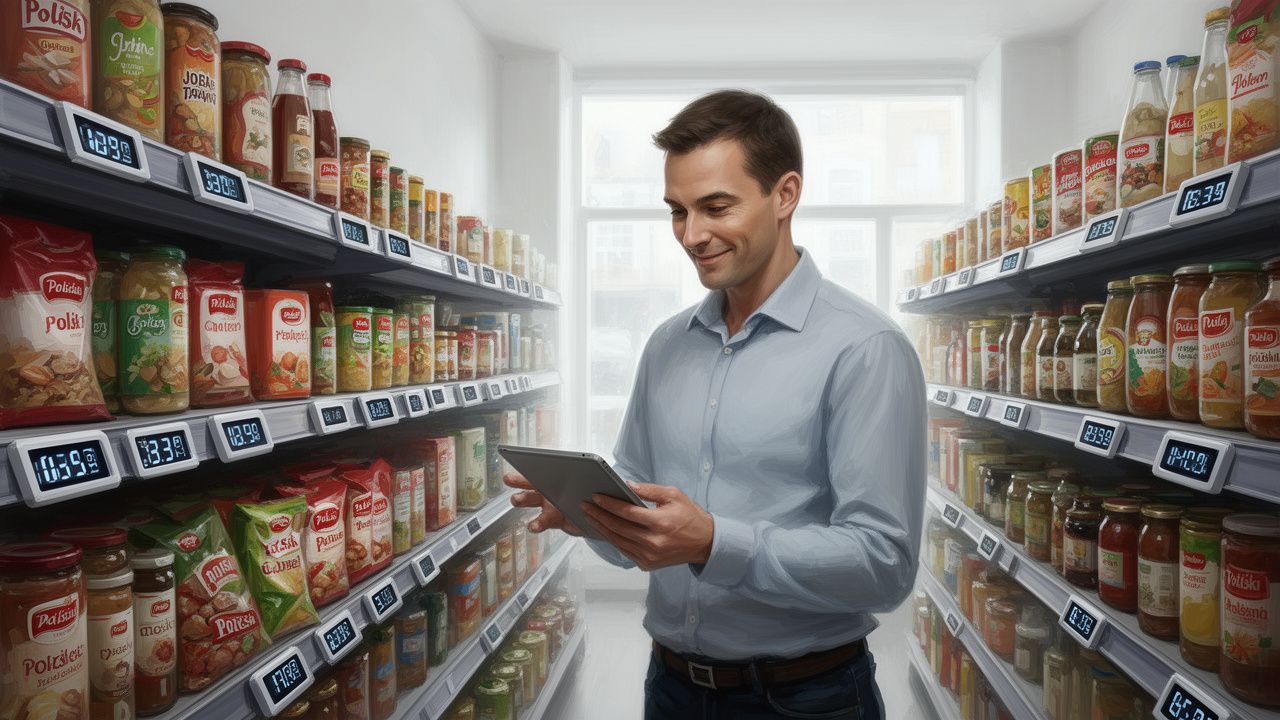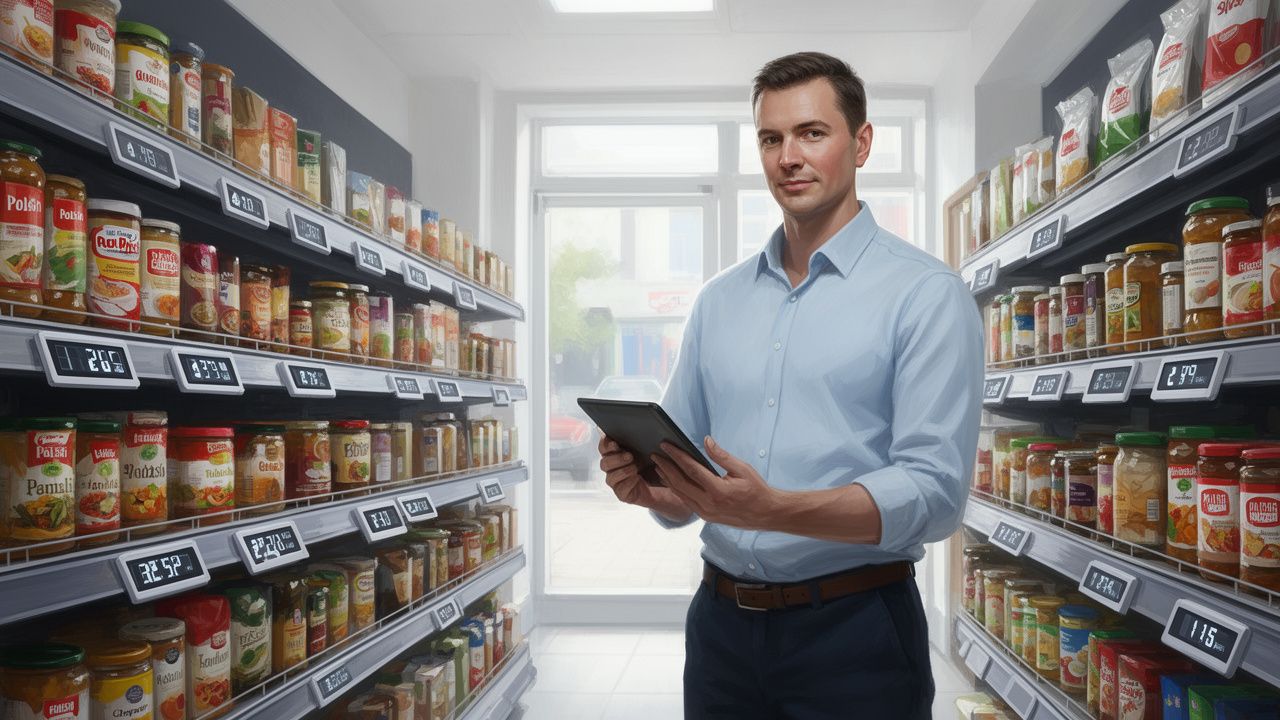


Choosing the right IT system is essential for effective store management, increasing sales, and ensuring customer satisfaction. In this article, we provide guidance on what to consider when selecting an IT system for your store.
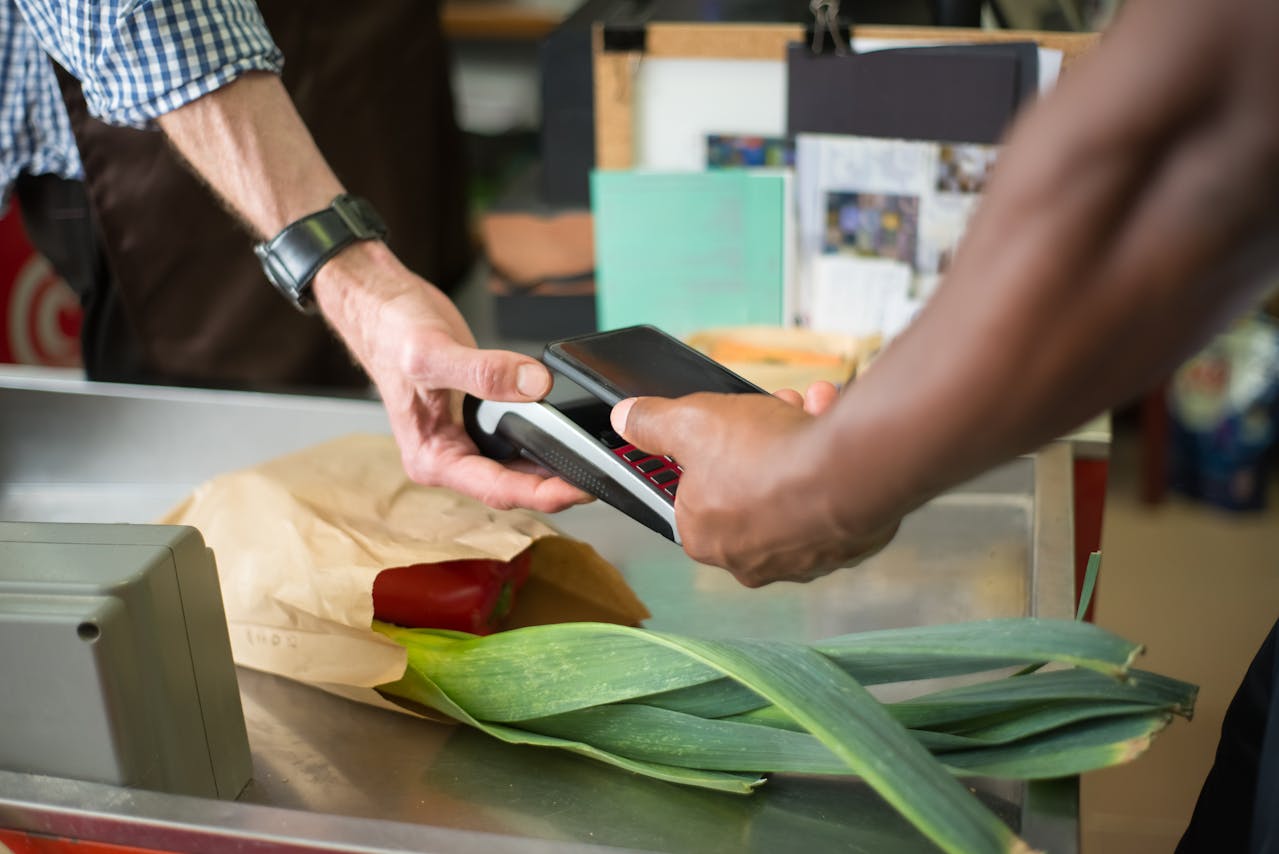
Choosing the right IT system is essential for effective store management, increasing sales, and ensuring customer satisfaction. In this article, we provide guidance on what to consider when selecting an IT system for your store.
Every grocery store has its unique requirements, so it is crucial to understand which features and capabilities of the information system are most important to you. Is efficient inventory management your priority, or is it quick transaction processing? Or perhaps the most important aspect is the flexibility and scalability of the system, allowing it to grow alongside your business?
Inventory management is more than just tracking the quantity of products on the shelves. It involves optimizing inventory levels to maximize turnover while minimizing costs. An effective information system should allow you to easily track inventory levels, automatically generate orders to suppliers, and analyze sales trends to better forecast future needs.
In the world of retail, every second at the checkout counts. When choosing a system, pay attention to how quickly and efficiently it can process various forms of payment, as well as how it handles high traffic during peak hours.
A growing business comes with changing needs. It is important to choose a system that is flexible and scalable so that it can adapt to the increasing demands of your store. Whether you plan to expand your product range, open additional locations, or increase online sales, your information system should be ready for these changes, allowing for easy addition of new features or integration with other tools.
When selecting an information system for your store, also ensure that it is user-friendly. Intuitiveness and ease of use are qualities that will allow you and your employees to quickly adopt the new solution, minimizing the time needed for training.
Look for a system with a clear and logical layout that makes it easy to quickly find the necessary features. A system with a well-designed user interface significantly enhances work efficiency.
Ensure that the provider offers comprehensive training and technical support. Good support is not just assistance in the event of a malfunction, but also education on how to effectively utilize all the features of the system.
The reliability of the IT system is one of the most important factors to consider when selecting the right solution for your store. A system that frequently fails can cause significant operational issues, which in turn can negatively impact your business results.
Ensure that the chosen system has high stability and minimal downtime. It’s important to consider the history and reviews from other users regarding the system’s reliability.
Even the most reliable systems may encounter issues from time to time. It is important that the provider offers quick and effective technical support, which means a short response time to inquiries and rapid problem resolution.
Ideally, technical support should be available 24/7, especially if your store operates on weekends and holidays. Having support available in emergencies is invaluable.
Regular system updates are crucial for maintaining data security and ensuring continuous performance improvements. Check if the provider offers regular data backups, which will safeguard information in the event of a system failure.
Integrating the information system with other tools and software you use in your store is crucial for smooth management and business efficiency. For example, an inventory management system that automatically updates based on sales data can significantly ease store management. Integrations also allow for better data utilization, facilitating business decision-making. For instance, linking the point-of-sale system with accounting software can streamline financial processes. Ensure that the chosen information system is flexible and allows for integration with tools you are already using or plan to implement.
The last, but equally important factor, is the cost of the system and the return on investment (ROI). At Helplink, we offer competitive pricing and ensure that our solutions will quickly pay off in terms of increased efficiency.
Choosing an information system is not just about purchasing software. It is also about selecting a long-term partner who will support your business. Pay attention to the quality of technical and service support provided by the supplier. Do they have experience in the grocery industry? Do they offer quick and effective assistance in case of problems? A good partner is one who understands the specifics of your business and is willing to tailor their solutions to your individual needs. Let’s talk about your business today!