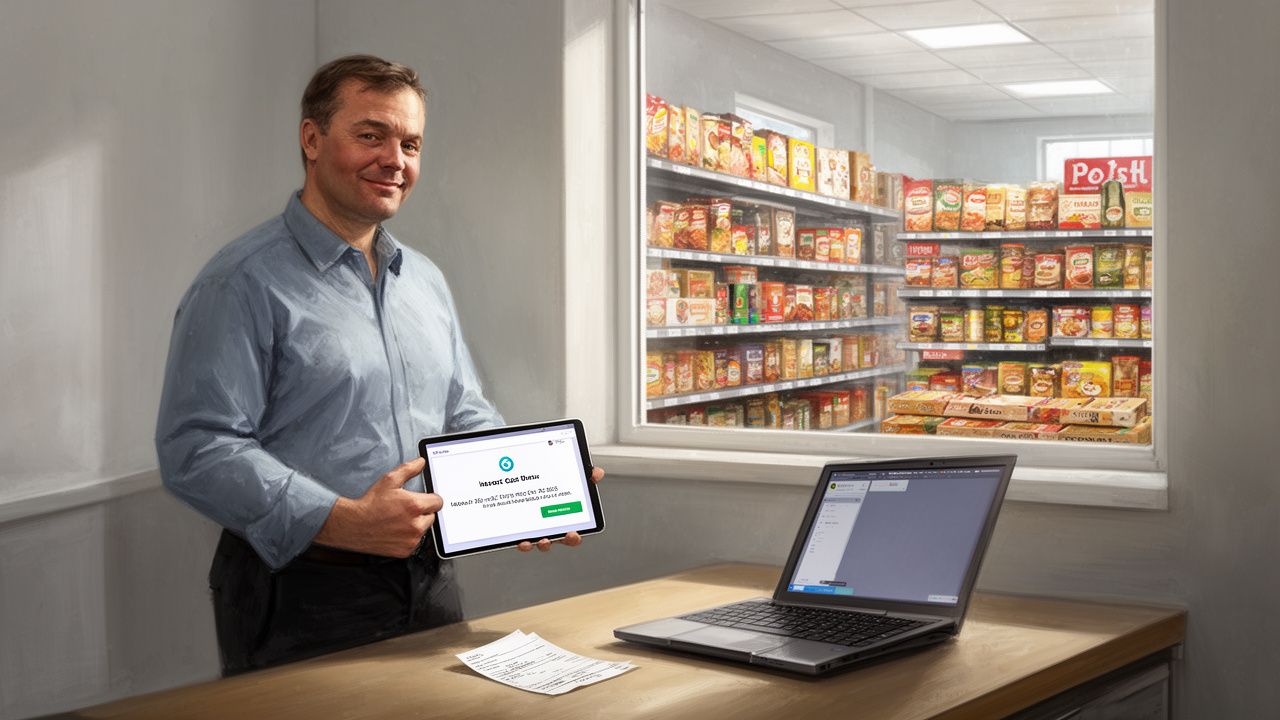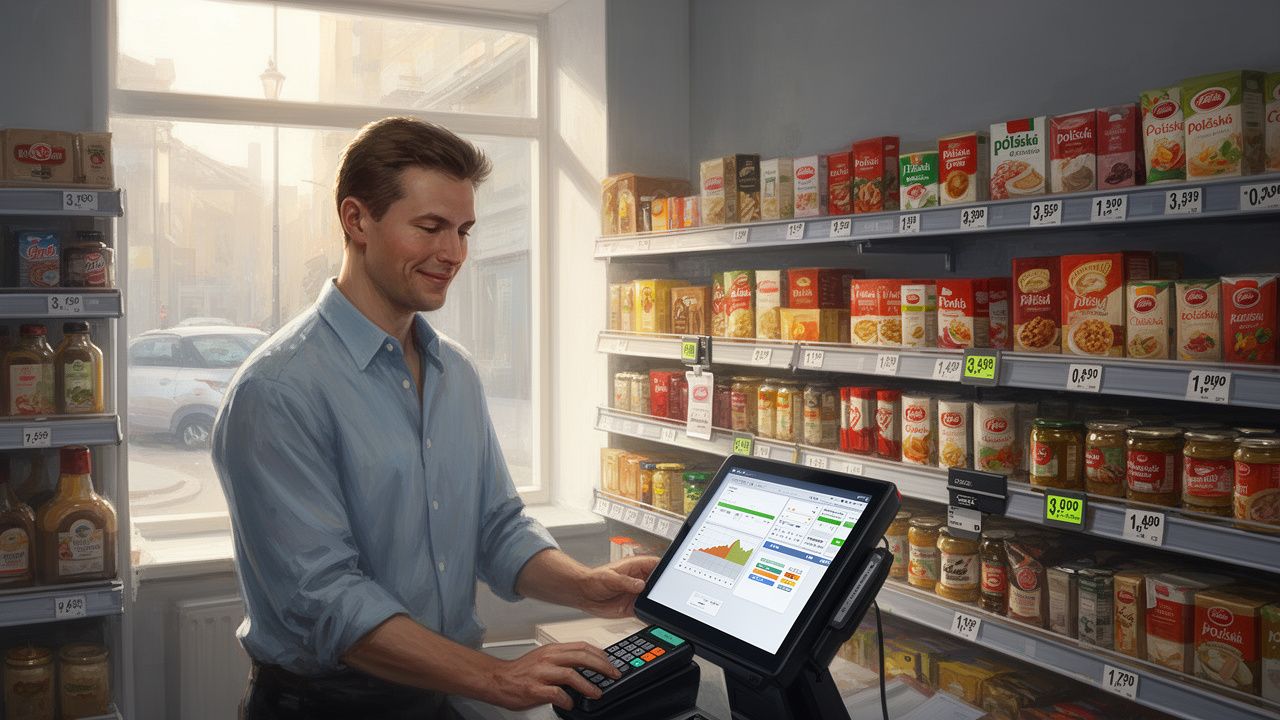


Planning a holiday trip and wondering how to safely hand over shop management? Check out our practical checklist and learn step-by-step how to configure permissions in your POS system to maintain control over finances and stock during your absence.
The holiday season is a time when every owner of a Polish grocery shop in the UK deserves a well-earned break and a peaceful family trip. However, handing over daily management of the store to staff or a temporary deputy carries the risk of losing control over finances, margins, and stock levels. Properly configuring permissions in the POS system allows you to grant employees the tools necessary for smooth operation without exposing the business to unnecessary losses.
Many owners of Polish supermarkets in the UK make a fundamental organizational error: giving a deputy or shift supervisor full administrator access or allowing all employees to use a single shared account on the till. In practice, this means it is completely impossible to verify who authorized a manual price change, deleted an item from a receipt after printing it, or gave an unauthorized discount. A lack of account personalization in the point-of-sale system creates room for abuse, negligence, and total chaos in stock documentation.
A modern POS system in a Polish shop should operate based on the principle of minimum permissions necessary to perform specific duties. During your absence, the deputy manager needs to efficiently accept goods from British and Polish suppliers, print new price labels, and handle potential customer returns. However, they do not need access to overall store profitability data, labour costs, bank details, or the ability to permanently delete transaction history from the database.
A clear division of roles protects not only the owner’s finances, but also the employees themselves. When every cashier and manager logs into the system using an individual PIN code or contactless card, responsibility for the cash drawer and stock operations is unambiguously assigned. This eliminates misunderstandings and team tension that often arise during the busy summer season.
In a Polish grocery shop in London, the owner left the deputy with full administrator privileges on the main terminal before going on holiday. Upon returning, he noticed a stock discrepancy amounting to around £400, resulting from manually overwritten prices on fresh products, which no one could unambiguously trace to a specific person. After implementing individual accounts with distinct access levels and a separate “Deputy Manager” profile, losses due to cashier errors dropped to zero during the owner’s next trip.
Preparing your point-of-sale and operational system for your trip requires an organized approach. The following step-by-step guide will help you secure your shop before your holiday and ensure smooth trading without the need to constantly answer phone calls while relaxing.
The first step is to ensure that every employee – both permanent cashiers and temporary cover staff – has their own unique PIN code or contactless card for POS login. Review the list of active users in the system and immediately block former employees’ accounts. Never allow working on the account of a cashier who has a day off, as this prevents proper verification of potential cash drawer discrepancies during shift reconciliation.
Instead of modifying a standard cashier account or sharing your main master password, create a separate permission profile in the POS system. The deputy should be granted rights to perform specific management operations, including:
At the same time, strictly disable options for editing company registration data, modifying VAT rates, unlimited base price changes, and restoring database backups for this profile.
Your deputy needs access to daily reports and cash summaries to close the day efficiently and prepare the cash deposit. However, there is no need for them to see overall financial reports with annual turnover, profit margins on specific product categories, or supplier purchase amounts. Restricting access to the advanced financial analytics module protects your business’s sensitive commercial data.
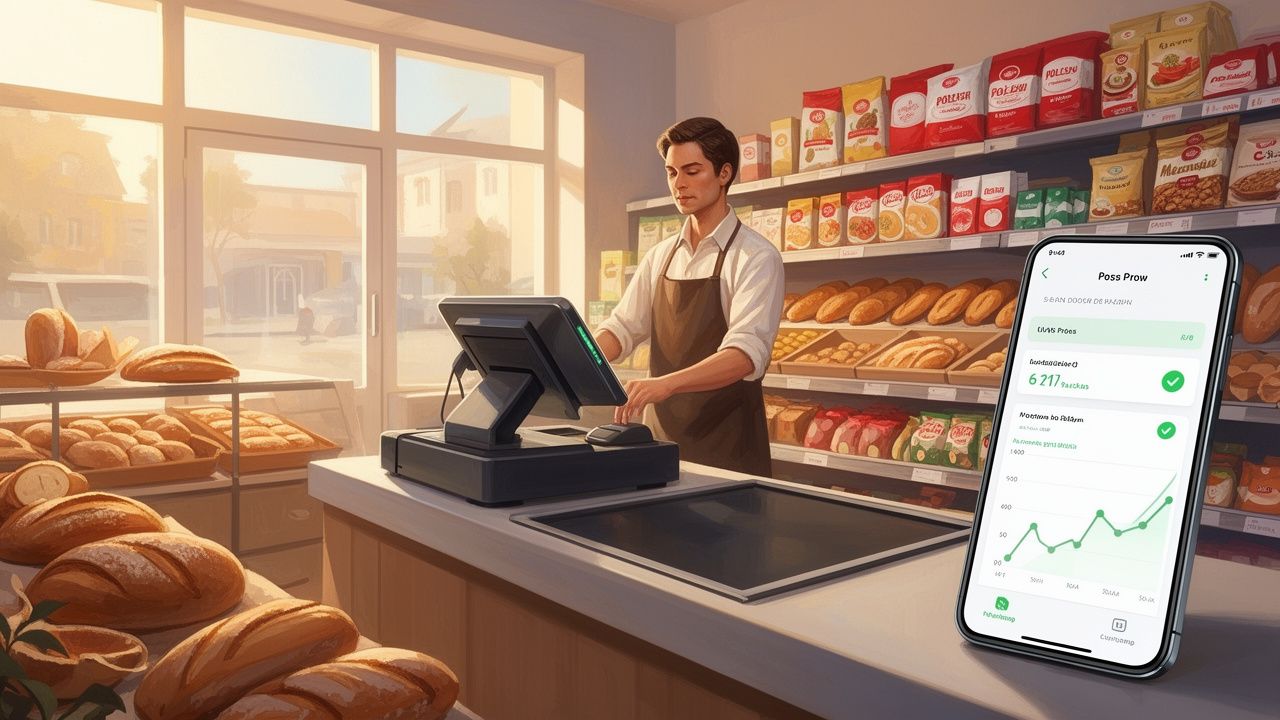
Modern retail POS solutions offer mobile apps for owners, allowing discreet supervision of the store from anywhere in the world. Before flying out, set up automatic phone alerts to notify you of unusual events, such as:
This gives you complete peace of mind and control over the store situation without needing to constantly log into the management panel while on holiday.
Two or three days before your planned departure, conduct a trial run day. Have your deputy perform all procedures – receiving a delivery from a Polish wholesaler, printing price labels, voiding items, and closing the day – on their new profile under your supervision. Ensure the system does not block daily tasks while effectively preventing access to protected areas. If your POS system has this feature, set an automatic expiry date for elevated permissions for the day of your planned return to work.
Here is a summary checklist to mark off step-by-step 48 hours before handing over the keys and passwords to the shop:
In a Polish grocery shop in Manchester, an owner going on a two-week holiday set up mobile alerts for voids and cash refunds. On the third day of the holiday, a phone notification alerted him to a series of 5 cancelled receipts totaling £180 within a single hour. Contacting the deputy promptly allowed him to resolve a new cashier’s error immediately and prevent losses estimated at over £250 over the entire week.
A peaceful and secure holiday for a shop owner requires prior organization and precise allocation of permissions in the POS system. Granting well-considered temporary access protects the store’s finances and stock while maintaining seamless continuity of staff operations. Dedicated user role configuration and remote monitoring via a mobile app provide total peace of mind and real control over your business from anywhere in Europe.
Want to be sure your point-of-sale system is properly configured and secured before heading off on holiday? Contact the HelpLink specialists – we will help you set up user roles, implement the mobile overview app, and secure your UK grocery shop so you can enjoy your well-deserved break.