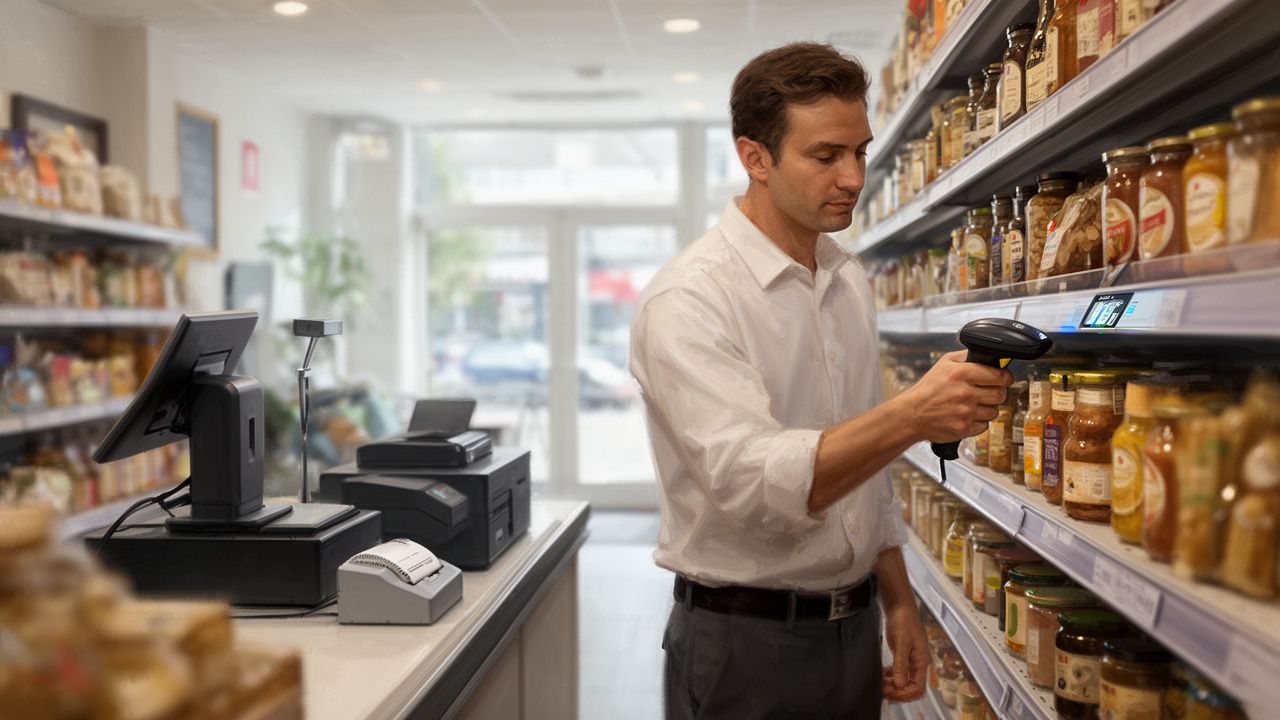
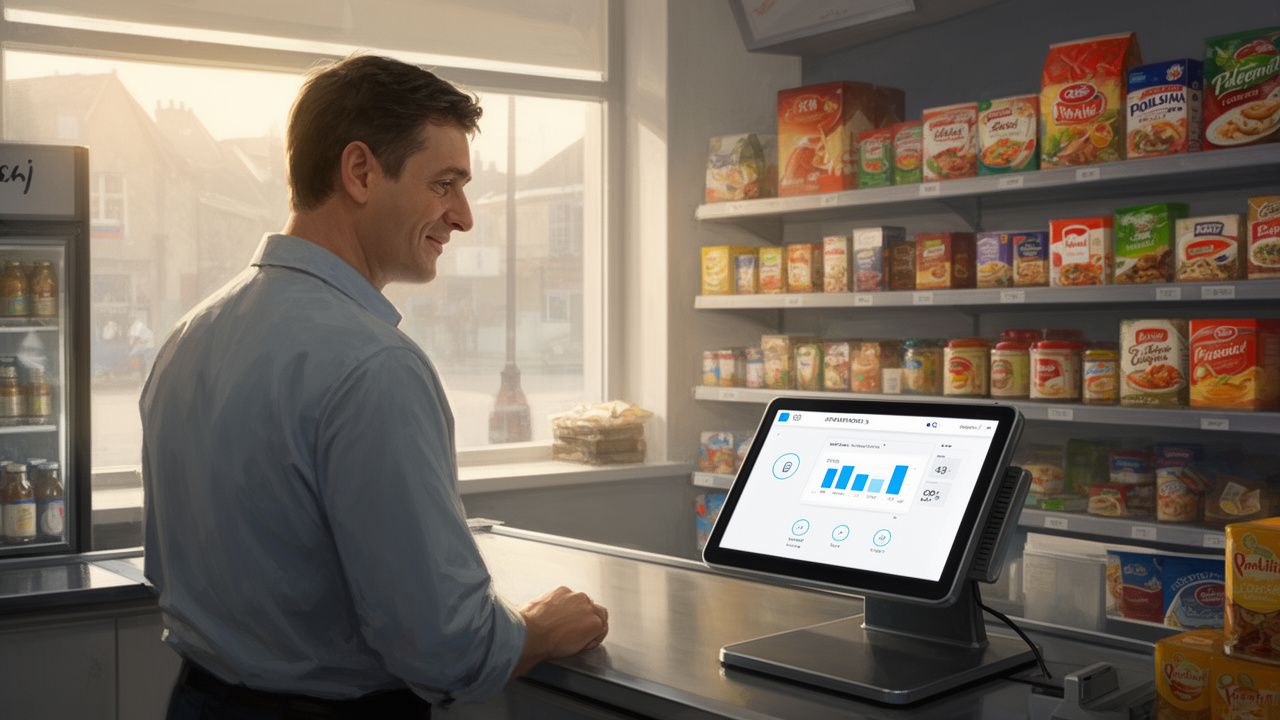
Many store owners postpone modernizing the EPOS system for fear of astronomical costs associated with replacing all equipment. Is this fear justified? We dispel the most common myths and show how to wisely assess your existing cash registers, scales, and printers to save thousands of pounds.
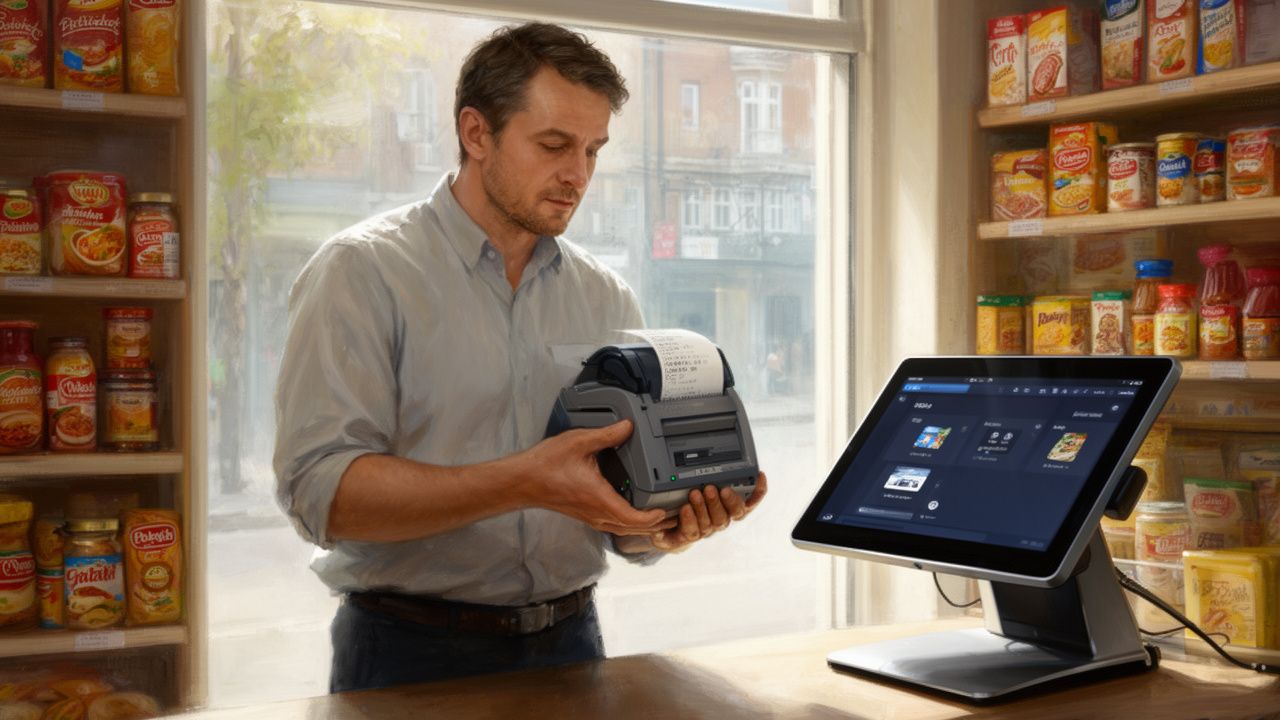
The decision to implement a new EPOS system is a strategic step in the store’s development, often postponed over time. The main barrier is the belief in the necessity of incurring huge one-time costs associated with replacing all equipment. Meanwhile, a smart approach and a thorough assessment of the existing devices can significantly lower the entry threshold into modern technology.
Many store owners are stuck in the trap of outdated software because they believe in myths that have been repeated for years. It’s time to dispel these myths and show that changing the EPOS system does not have to mean a hardware revolution and budget drain. The key is knowing how to evaluate what you already have in the backroom and at the counter.
This is the most common and costly mental trap. The reality is much more optimistic: most modern EPOS systems are designed with flexibility and compatibility in mind. They are not rigidly tied to one specific hardware manufacturer. Peripheral devices such as barcode scanners, cash drawers, or even card readers communicate with the computer via standardized interfaces, most often USB.
If your current barcode scanner is connected via USB and functions correctly, there is over a 90% chance that it will work seamlessly with the new software. It acts like a simple keyboard – it reads the code and “types” it into the active field on the screen. The same goes for the cash drawer. Typically, it is connected to the receipt printer and opens upon receiving a simple electrical impulse. As long as the printer is compatible (which we will discuss shortly), the drawer will also work.
How to check this in practice?
Conduct a simple audit. List the models of your devices and check what types of connections they have. Is it modern USB or network port (Ethernet), or perhaps an old serial port (RS232)? This information is crucial for the new system provider. The owner of a Polish store in Manchester was convinced that he had to buy a whole new set. After our audit, it turned out that his three Honeywell scanners and two cash drawers were fully compatible, which gave him an immediate saving of around £600.
The age of the printer is less important than its communication standard. The thermal printer market has been dominated for years by a few key players (e.g., Epson, Star, Bixolon), who have developed a common communication language known as ESC/POS. Most professional EPOS systems “speak” this language, ensuring broad compatibility.
The key question is: how does the printer connect to the cash terminal? If it’s a USB or, even better, network (Ethernet) connection, you are in a very good situation. Network printers are the most flexible because they can be placed anywhere in the store and shared among several sales points at the same time. Problems may arise with older models with serial or parallel ports, although sometimes there are adapters and solutions that can save them.
Before you write off the printer, check its model and ports. Consult with a potential EPOS provider – a professional company should have a list of compatible devices or be able to quickly verify your model. Replacing a printer costs between £150 and £300, so keeping it is a real saving that can be allocated, for example, to the implementation of electronic shelf labels (ESL).
Manually entering the weight and price from the scale into the cash system is a simple path to mistakes, losses, and frustration – both for you and your customers. Integrating the scale with the EPOS system is one of the most important steps in automating the sale of weighed goods. The myth of its difficulty often stems from a lack of knowledge or bad experiences with suppliers who promote only one, closed solution.
Leading scale manufacturers, such as CAS, Avery Berkel, or Dibal, understand the market’s needs and equip their devices with communication ports (usually RS232 or Ethernet) and defined data transmission protocols. A good EPOS system has built-in modules for communication with the most popular scale models on the market. Integration then involves properly configuring the software, not costly hardware modifications.
Running a Polish store in Leeds, one of our clients was convinced that he had to replace his two CAS scales to automate the sale of meats and vegetables. Upon verification, it turned out that his models were on the list of supported devices. After a short configuration, the scales began to automatically transmit data to the new EPOS system, eliminating errors and reducing customer service time at the counter by nearly 30%.
On the surface, this seems like the most convenient option, promising “peace of mind.” In practice, however, it can lead to dependency on one supplier (known as vendor lock-in) and overpaying for equipment that could have been retained. When buying a whole set, you often receive basic, budget models of devices that are not necessarily the best on the market. Moreover, if you want to change software again in the future, the problem may repeat itself.
A wise approach is to separate the software decision from the hardware decision. First, choose the EPOS system that meets your functional requirements – inventory management, reporting, promotion handling, integrations. Then, together with the supplier of this system, conduct an audit of your current equipment. This order gives you control. You only replace those elements that are actually incompatible, outdated, or faulty. You invest where necessary and save where possible.
Modernizing the system in your store does not have to be a financial earthquake. The key to smart savings is to dispel myths and base decisions on facts. Here are the key takeaways:
Changing the EPOS system is an investment in efficiency, control, and ultimately – in your valuable time. Don’t let unfounded fear of costs block your business development. A thorough assessment of what you already have is the first step towards making an informed and cost-effective decision.